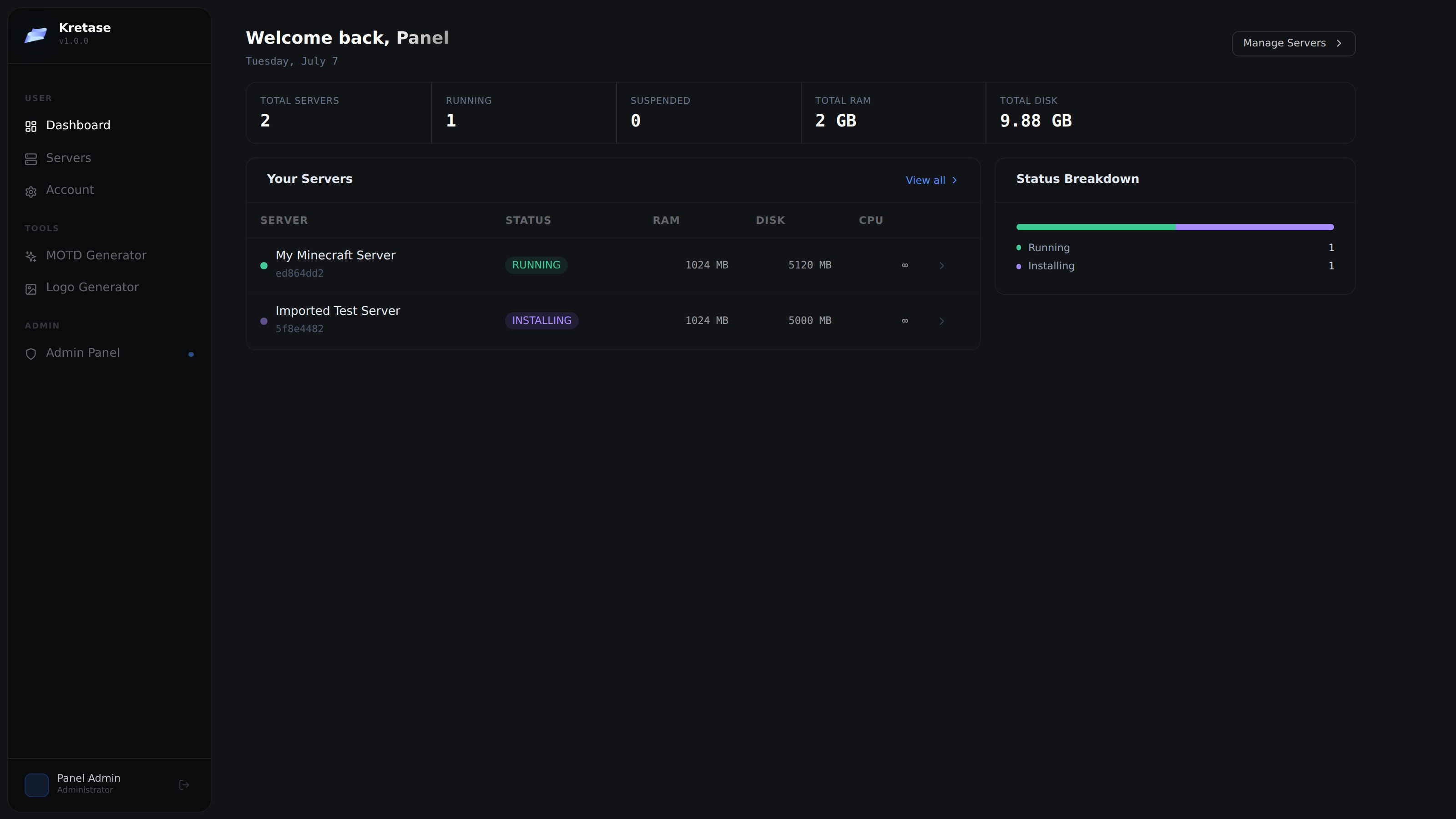
Open Source · MIT License · Free Forever

The modern way to
manage game servers

Kretase is a self-hosted, open-source game server management panel. Deploy Minecraft and other game servers in minutes — no DevOps experience needed.

bash — install
$ bash <(curl -fsSL https://raw.githubusercontent.com/mwlih28/mc-manage-panel/main/scripts/install-panel.sh)
1-cmd
Install
100%
Open Source
MIT
License
Ubuntu
& Debian
SSL
Auto-configured

Everything you need to run
game servers at scale

Built for server owners who want power without complexity. No PHP, no bloat — just a clean modern stack.

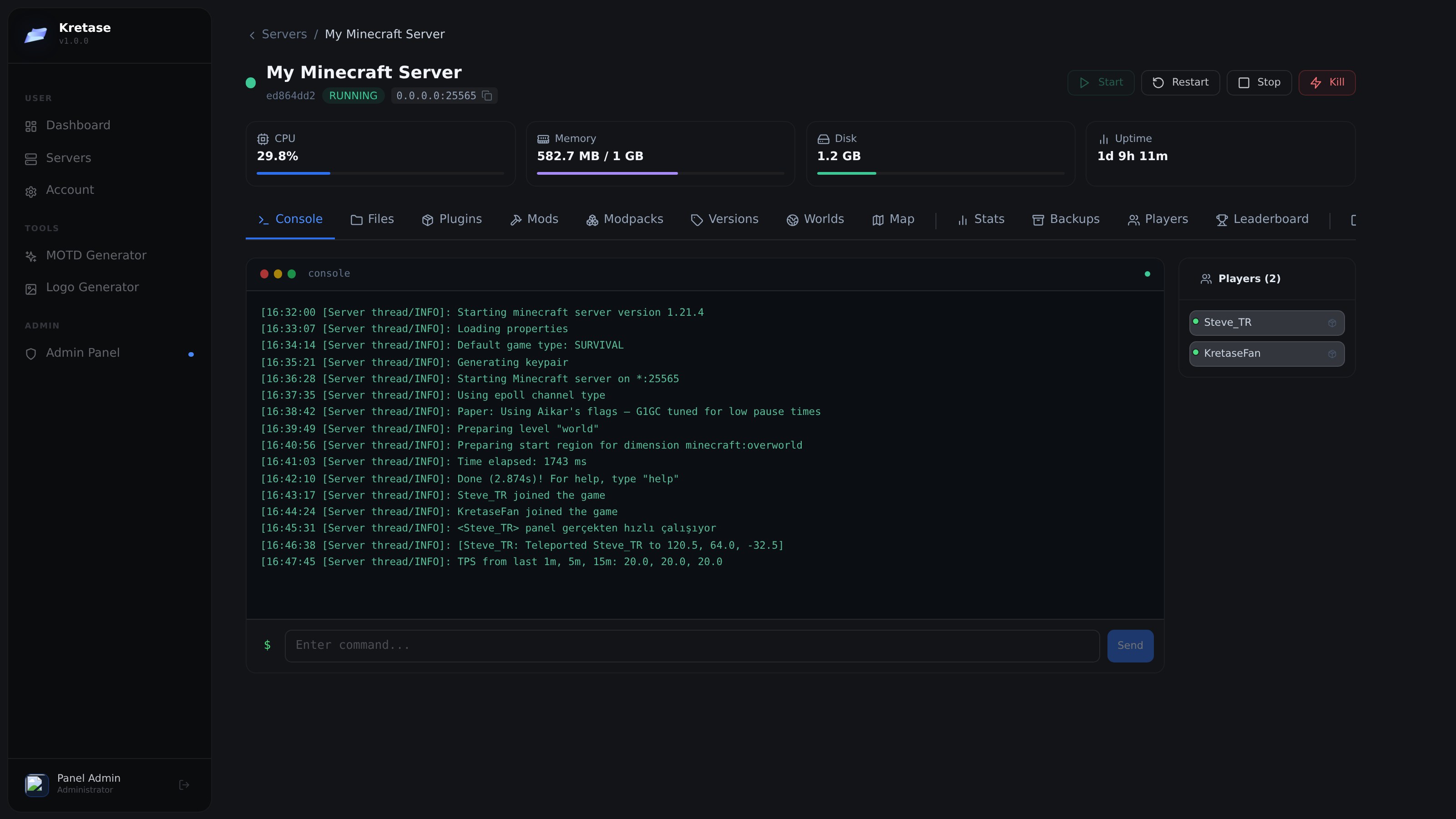
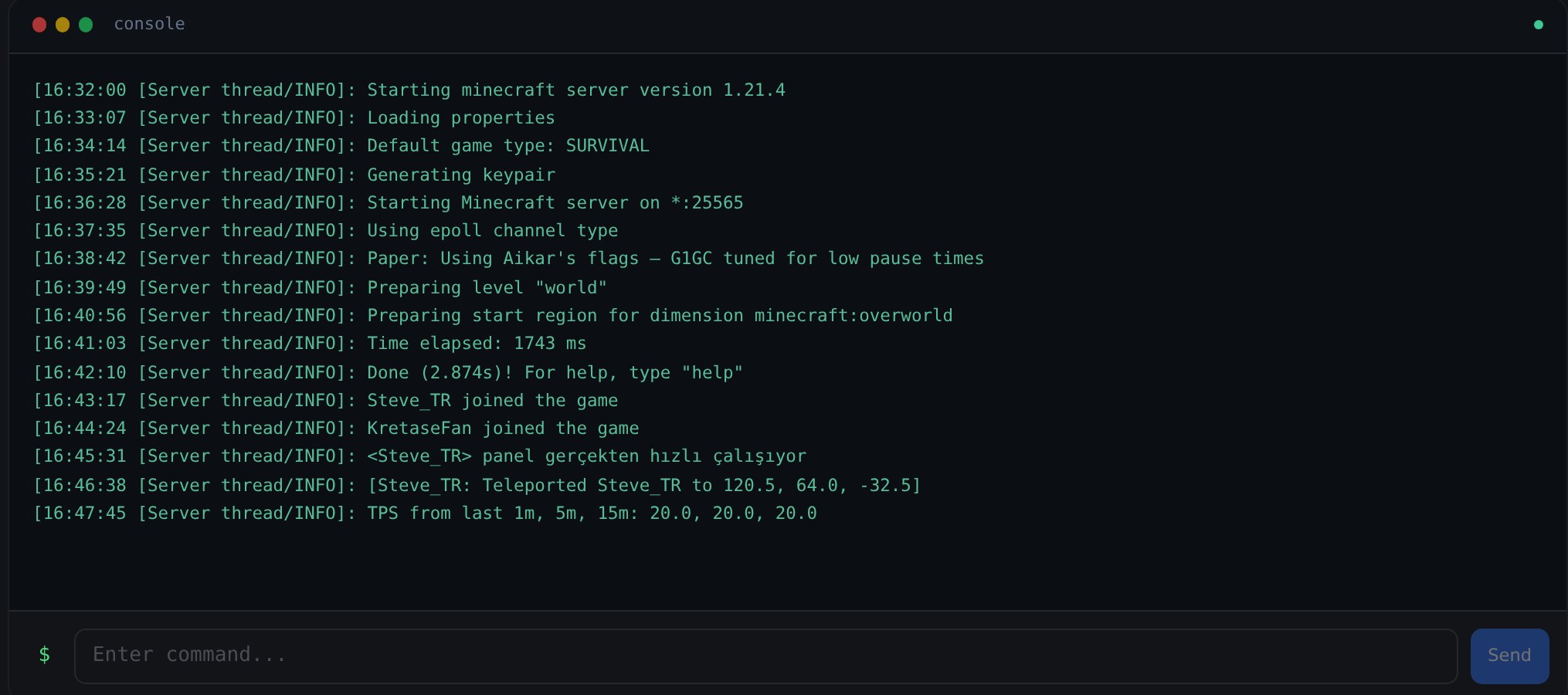
Real-Time Console

WebSocket-powered server console with live output streaming. Send commands, monitor logs, and track events — all in real time.

[12:04:31][Server/INFO] Done (2.8s)! For help, type "help"
[12:04:45][Server/INFO] Player_1 joined the game
say Welcome to the server!
[12:04:46][Server/INFO] [Server] Welcome!

Resource Monitoring

Live CPU, RAM, and disk graphs updated in real time. Know exactly what your servers are doing at all times.

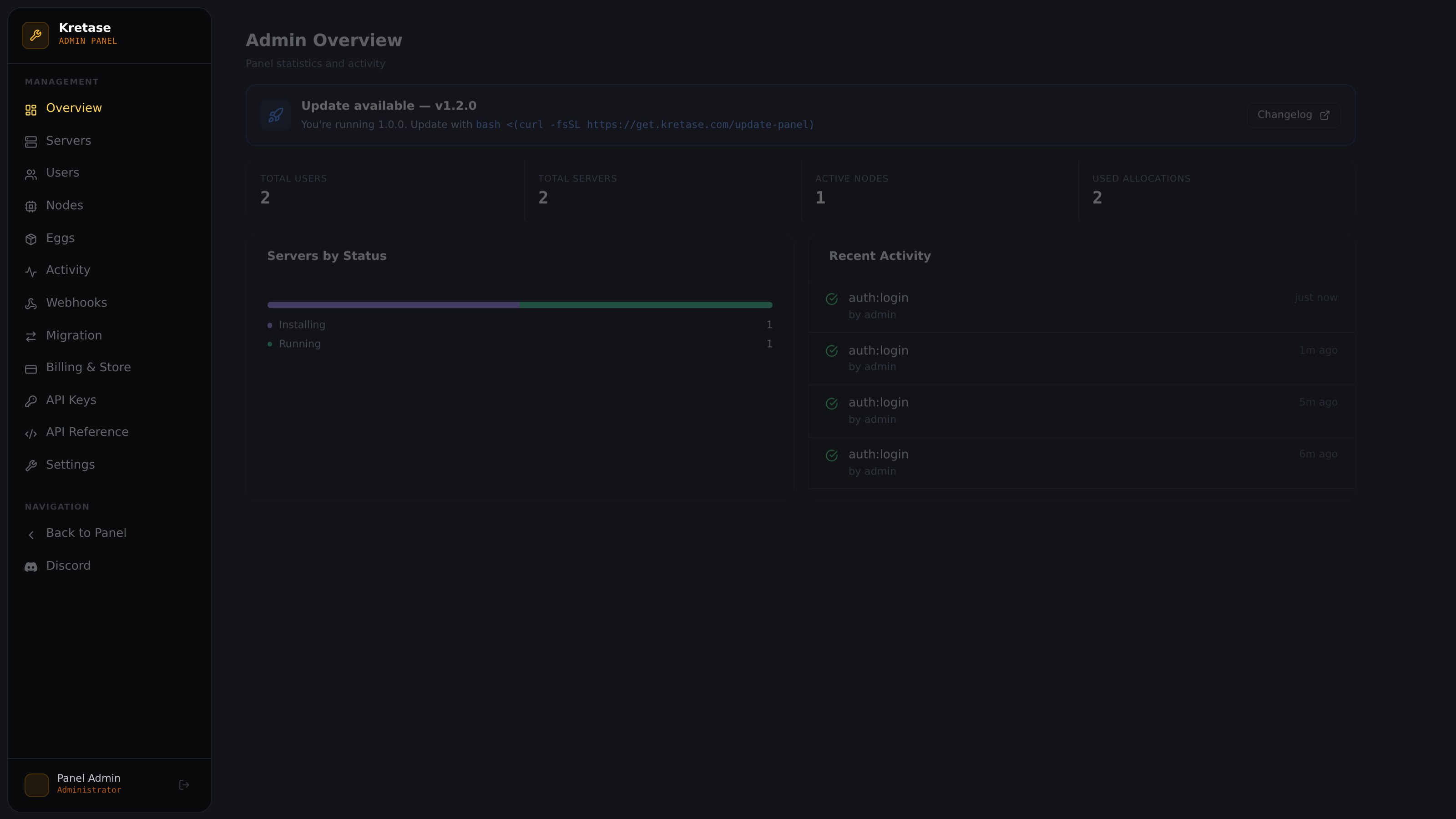
Multi-Node Support

Connect unlimited Wings daemon nodes. Spread servers across multiple machines from one central panel.

Auto Backups

Schedule automatic server backups and restore them with a single click. Never lose your world data again.

Secure by Default

JWT authentication, 2FA support, role-based access control, and auto-SSL via Let's Encrypt.

Team Management

Invite teammates with granular permission levels. Give admins, mods, and players exactly the access they need.

Docker Isolation

Each server runs in its own Docker container. Full process isolation — no server can affect another.

File Manager

Browse, edit, upload, and delete server files directly from the browser. Full SFTP access also available.

Up and running
in under 5 minutes

One command sets up Nginx, PostgreSQL, SSL certificates, and the panel. Another command on each game server installs the Wings daemon.

01

Get a server

Any Ubuntu 20.04/22.04/24.04 or Debian 11/12 VPS with root access. Minimum 1 GB RAM.

02

Run the installer

One command installs everything — Node.js, Nginx, PostgreSQL, SSL, and the panel itself.

03

Install Wings on nodes

On each game server, run the Wings installer. Connect it to your panel via the admin UI.

04

Create servers

Pick a game, allocate resources, and deploy. Your server starts in seconds.

root@server:~
# Install the panel
$ bash <(curl -fsSL https://raw.githubusercontent.com/mwlih28/mc-manage-panel/main/scripts/install-panel.sh)
  ✓ PostgreSQL installed
  ✓ Node.js 20 installed
  ✓ SSL certificate issued
  ✓ Panel running at https://panel.yourdomain.com
 
# On each game server node
$ bash <(curl -fsSL https://raw.githubusercontent.com/mwlih28/mc-manage-panel/main/scripts/install-wings.sh)
  ✓ Docker installed
  ✓ Wings daemon running
  ✓ Node connected to panel

One panel, any game server

Pre-configured eggs for popular games. More coming soon — or write your own.

Minecraft
JavaBedrockPaperForgeFabric
🎯
Counter-Strike 2
Coming soon
🔧
Rust
Coming soon
🦖
ARK: Survival
Coming soon
🌿
Terraria
Coming soon
+
Custom Game
Write your own egg

Built with the community,
for the community

Ask questions, share configs, report bugs, and help shape Kretase. Everything happens on GitHub.

A modern alternative
to Pterodactyl

Pterodactyl is battle-tested and widely used — we respect that. Kretase takes a different approach for those who want a modern stack they can hack on.

K
Kretase
Pterodactyl
Language / Stack
React + TypeScript + Express
PHP / Laravel + React
Install complexity
✓ Single command
Multiple manual steps
Codebase
✓ Unified monorepo
Separate repos (panel + wings)
Modern tooling
✓ Vite, Prisma, Tailwind
Blade templates, Laravel Mix
Production maturity
✓ Years of hardening
Active development
Plugin ecosystem
✓ Large community
Growing

Deploy your panel today

Works on Ubuntu 20.04 · 22.04 · 24.04 and Debian 11 · 12. Minimum 1 GB RAM, 10 GB disk, root access.

Panel installer
$ bash <(curl -fsSL https://raw.githubusercontent.com/mwlih28/mc-manage-panel/main/scripts/install-panel.sh)